How to Convert Multiple X Files to MTV?
1. Download and Install reaConverter
First, grab reaConverter from the download button below. Installation is fast, and the software runs offline — no account or signup needed.

2. Load your X files
Start reaConverter and add your .x files. The software processes everything locally, so your files never leave your computer.
Use drag-and-drop, folder browser, or right-click conversion from Explorer.

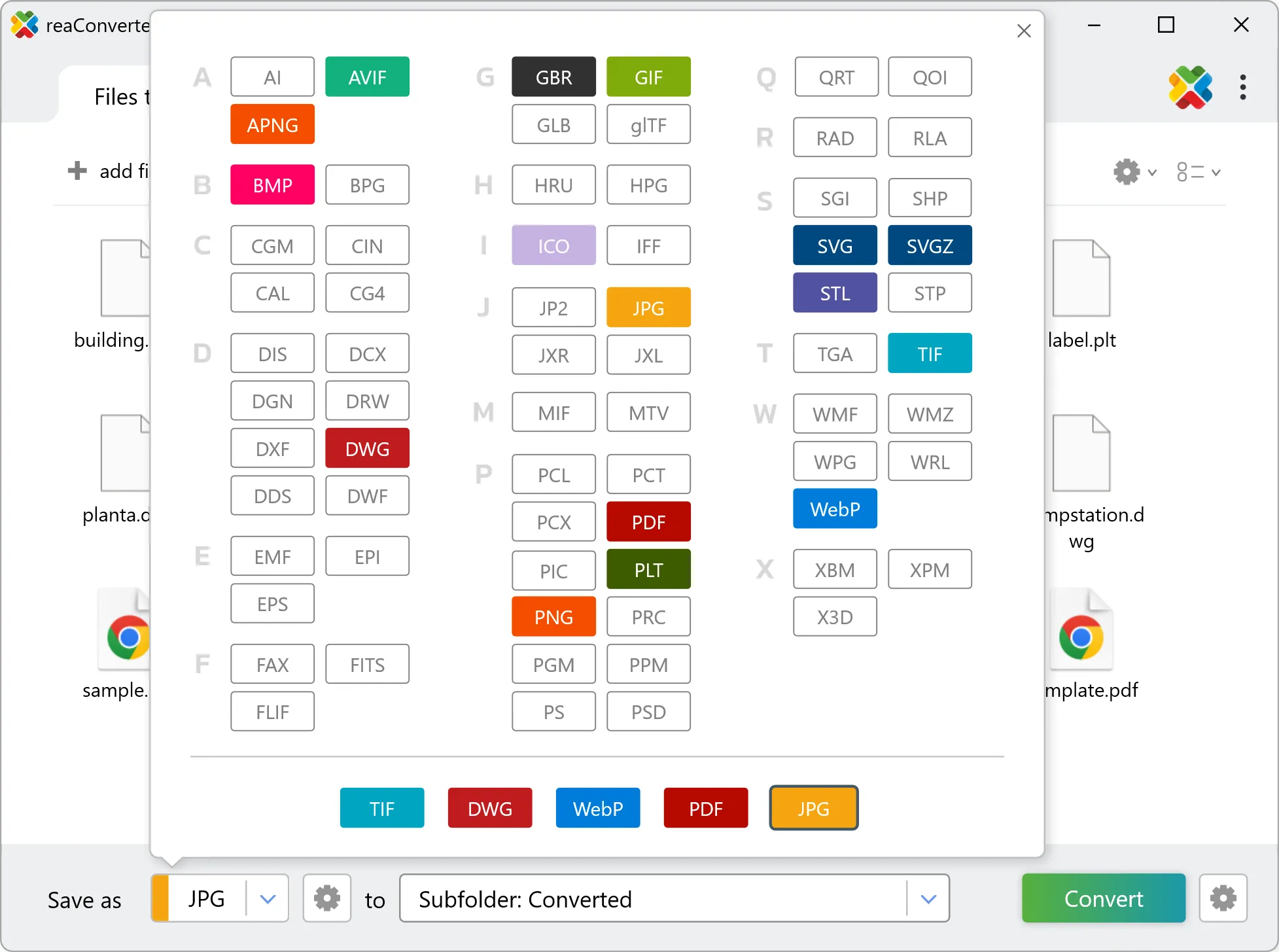
3. Select MTV as output format
Select MTV from 700+ supported output formats. Choose your destination folder and adjust settings to match your needs.
4. Start X to MTV conversion
Click Convert to start the batch. reaConverter processes files quickly and shows you the status of each one.

Once done, reaConverter shows a summary. Click 'Show converted files' to jump straight to your MTV output.