How to Convert Multiple REC Files to PIC?
1. Download and Install reaConverter
reaConverter is a standalone Windows app — download, install, and start converting REC files in under two minutes.

2. Load your REC files
Add your REC files to reaConverter. Whether it's a handful or an entire archive, the batch engine processes them efficiently.
Browse for files, drag them in, or add entire folders at once. reaConverter queues everything automatically.

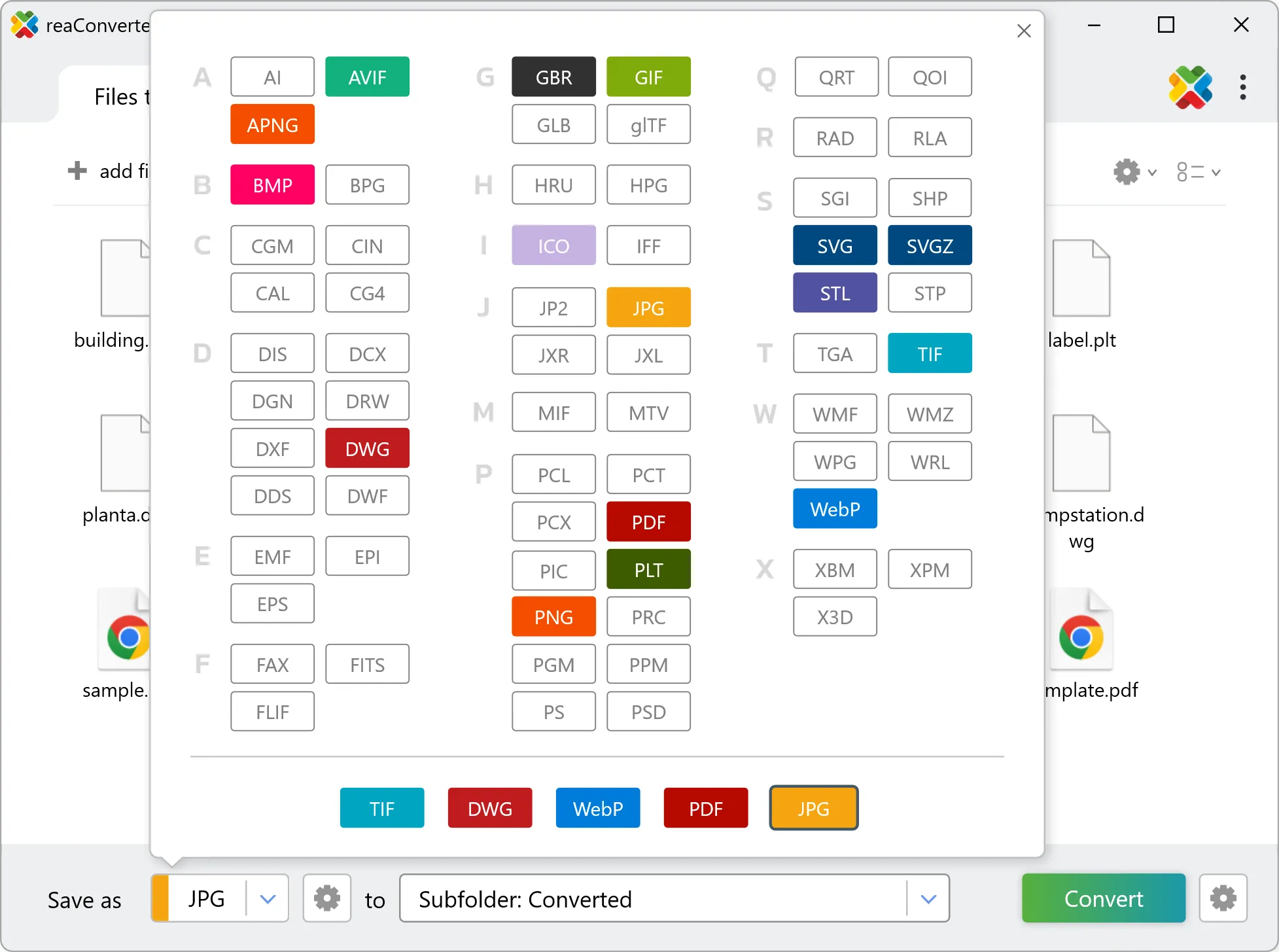
3. Select PIC as output format
Pick PIC as the output format. Set the destination folder and optionally configure resolution, quality, or file naming.
4. Start REC to PIC conversion
Start the conversion with one click. reaConverter handles everything and notifies you when it's done.

When the batch finishes, your PIC files are ready in the destination folder you chose earlier.