PXA to JP2 Conversion: FAQ
What are PXA files?
The PXA format is associated with animated or manga images created using Pixia, an advanced raster image editor available for free and developed by Japanese programmer Isao Maruoka. The program was launched in the early 2000 and had subsequent upgraded versions in later years. In addition to its popularity in the anime/manga community, Pixia is also used in other branches of visual arts. The PXA format can also be associated with images created or edited using Pegs, a currently obsolete image processor.
What are JP2 files?
JP2 or JPEG 2000 is an improved version of JPEG, one of the most popular file formats for storing and transferring images. Compared to the latter, JP2 image files offer higher quality and smaller size images by using a different compression algorithm, which can be either lossy or lossless. JP2s are created using the JPEG2000 Core Coding application, but can also be obtained through conversion from other formats.
Can reaConverter convert PXA to JP2?
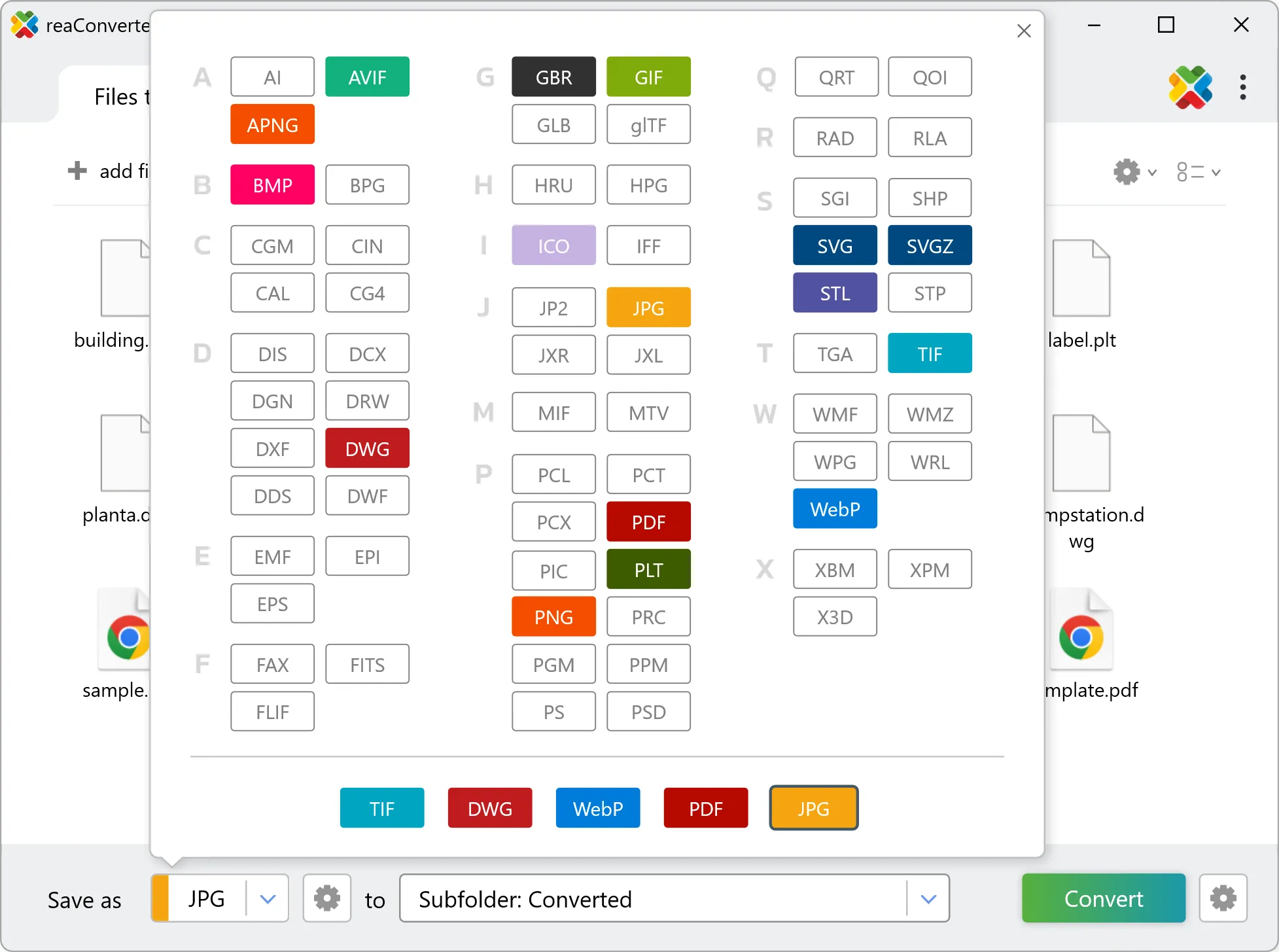
Yes! reaConverter instantly converts .pxa to .jp2 with perfect quality preservation. With its batch processing feature, you can convert multiple files at once in just a few clicks. You can even convert images directly from Windows Explorer using the right-click menu — fast and convenient.
Can I convert PXA to JP2 online?
If you only need to convert a few PXA files to JP2 format, feel free to try our free online free online PXA to JP2 converter — perfect for small batches with no installation needed!
How can I turn PXA files into JP2 on my computer?
The best way to change PXAs to JP2s on your PC is to install a quality piece of software, such as reaConverter. This software is extremely efficient in managing a wide range of batch files conversions, including conversion from PXA to JP2.
How can I automate PXA to JP2 files conversion?
reaConverter supports all the most useful automation features such as right-click сonversion and Watch Folders for the most efficient automated files conversion in any software of this type.
Is there a way to convert PXA files to JP2 using the command prompt?
reaConverter provides full access to all its features via Windows command line, including a high-performance command-line pxa to jp2 converter for batch processing.
What else can I do with reaConverter?
Convert DICOM filesResize pictureConvert PDF filesWatermark imagesChange format settings