
How to Convert Multiple IF9 Files to DXF?
1. Download and Install reaConverter
reaConverter is a standalone Windows app — download, install, and start converting IF9 files in under two minutes.

2. Load your IF9 files
Open reaConverter and add your IF9 files. You can load individual files, entire folders, or even nested subfolders.
Select IF9s from a folder or drag-and-drop them directly into the reaConverter window.

3. Select DXF as output format
Pick DXF as output format and choose the destination folder where you want to save new .dxf files.
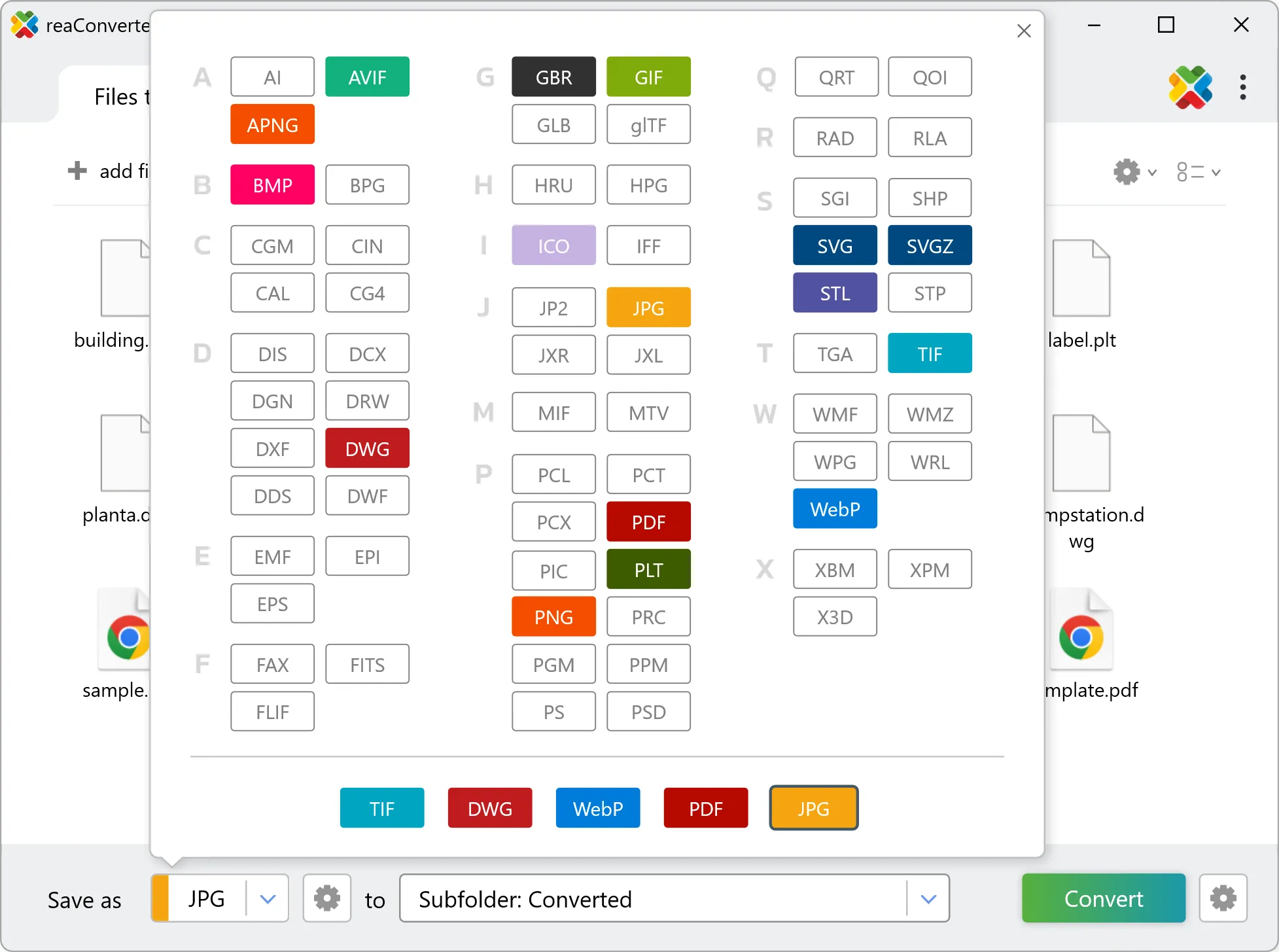
4. Start IF9 to DXF conversion
Press the Convert button and reaConverter takes care of the rest. Processing time depends on file size and volume.

After processing, find all your new .dxf files in the output location. The log shows details for each conversion.




