GTO to JPG Conversion: FAQ
What are GTO files?
The GTO format is part of the Gerber family of extensions and contains a detailed vector image of the top silkscreen of a printed circuit board (PCB). The formats included in the Gerber group cover different aspects of a PCB, containing descriptions of copper layers, solder masks, electric connections etc. GTO images are created using Protel software and can serve as input files for producing PCBs via photoplotting.
What are JPG files?
JPG is one of the most popular image file formats currently in use, often referred to as a standard for uploading images online and for displaying photographs. One of its main advantages is providing a good image quality in a relatively small file size, which is easy to store and transfer. JPG uses a type of compression that prioritizes the quality of some image sections over others, thus assuring that most favorable quality/size ratio.
Can reaConverter convert GTO to JPG?
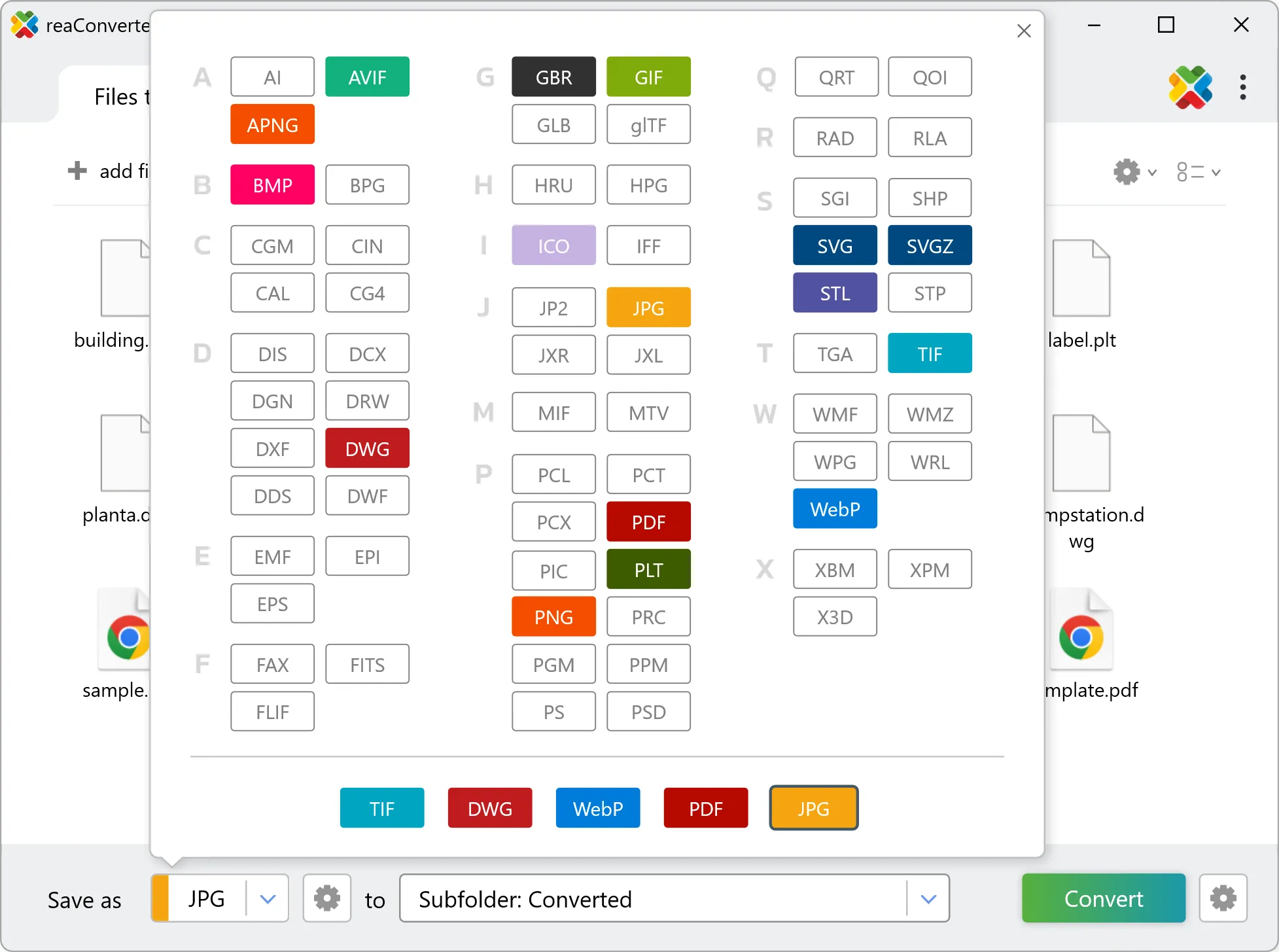
Yes! reaConverter instantly converts .gto to .jpg with perfect quality preservation. With its batch processing feature, you can convert multiple files at once in just a few clicks. You can even convert images directly from Windows Explorer using the right-click menu — fast and convenient.
Can I convert GTO to JPG online?
If you only need to convert a few GTO files to JPG format, feel free to try our free online free online GTO to JPG converter — perfect for small batches with no installation needed!
How can I turn GTO files into JPG on my computer?
The best way to change GTOs to JPGs on your PC is to install a quality piece of software, such as reaConverter. This software is extremely efficient in managing a wide range of batch files conversions, including conversion from GTO to JPG.
How can I automate GTO to JPG files conversion?
reaConverter supports all the most useful automation features such as right-click сonversion and Watch Folders for the most efficient automated files conversion in any software of this type.
Is there a way to convert GTO files to JPG using the command prompt?
reaConverter provides full access to all its features via Windows command line, including a high-performance command-line gto to jpg converter for batch processing.
What else can I do with reaConverter?
Change format settingsChange DPIConvert CAD formatsSet bit depthConvert GIS files