
How to Convert Multiple GRO Files to PDF?
1. Download and Install reaConverter
Download reaConverter and install it in seconds. The setup is straightforward — no complex configuration, no extra software required.

2. Load your GRO files
Launch reaConverter and load the GRO files you want to convert. Add a few files or thousands, batch processing handles them all.
Drag-and-drop GROs directly into reaConverter or use the folder browser to load entire directories.

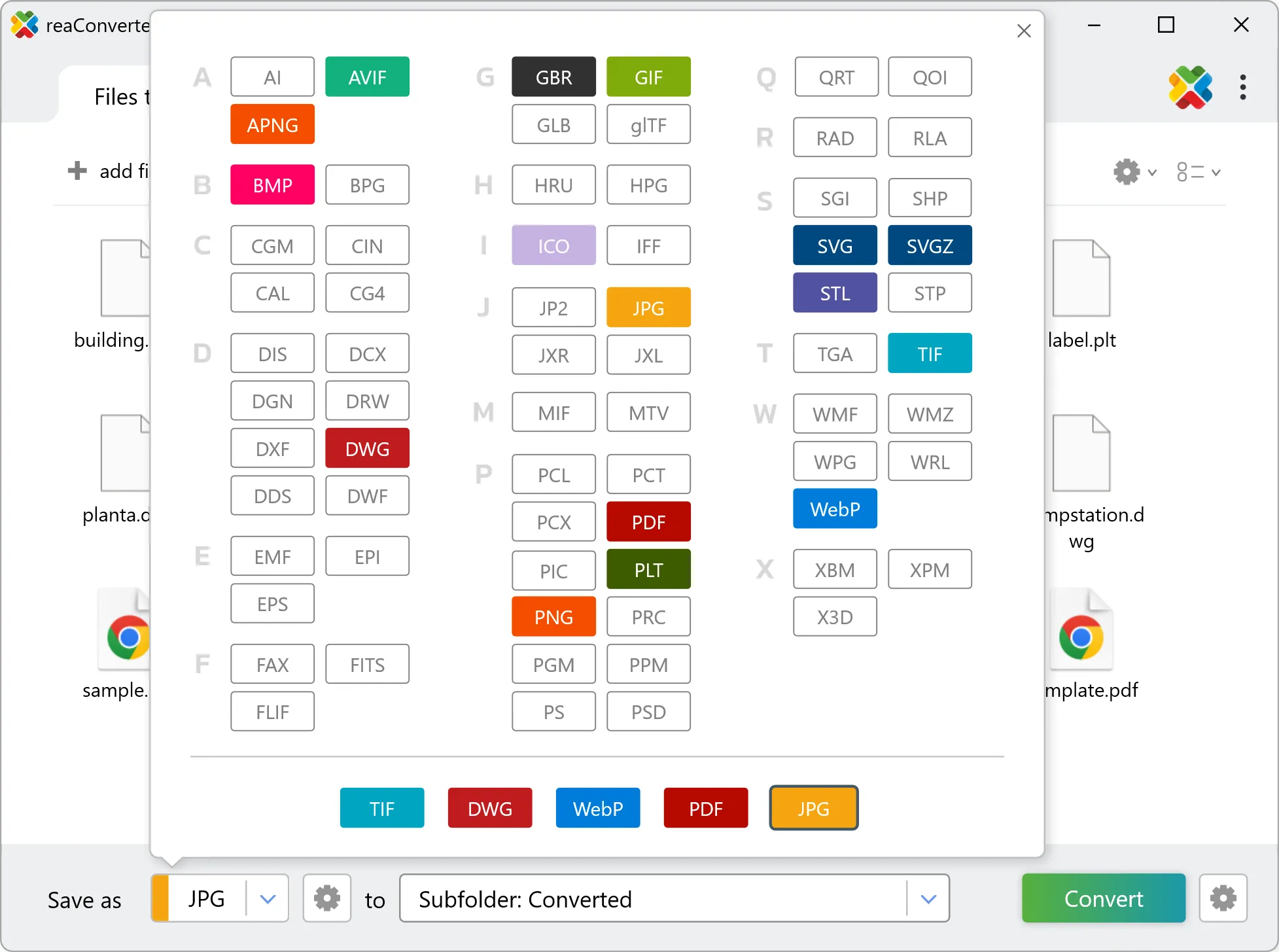
3. Select PDF as output format
Select PDF as target format and pick where to save results. You can keep default settings or fine-tune the output.
4. Start GRO to PDF conversion
Press Convert to begin processing. You can watch the progress or minimize and let it run in the background.

Your converted PDF files will appear in the destination folder as soon as processing completes.




