GBO to DRW Conversion: FAQ
What are GBO files?
GBO is a Gerber format, included in the Gerber group cover different aspects of a PCB printed circuit board industry. GBO usually contains Gerber Bottom Overlay Data, and it is used by machines to draw exact patterns for circuit boards.
What are DRW files?
DRW stands for "Drawing" and represents a vector graphics format associated primarily with Corel Draw, but also with other advanced graphics design programs, including Microsoft Picture It!, Paint Shop Pro, Micrografx, Igrafx etc. The DRW format is supported both on Windows and Mac applications (on MacDraw and AppleWorks) and stores images and drawings constructed with lines or paths, instead of dots.
Can reaConverter convert GBO to DRW?
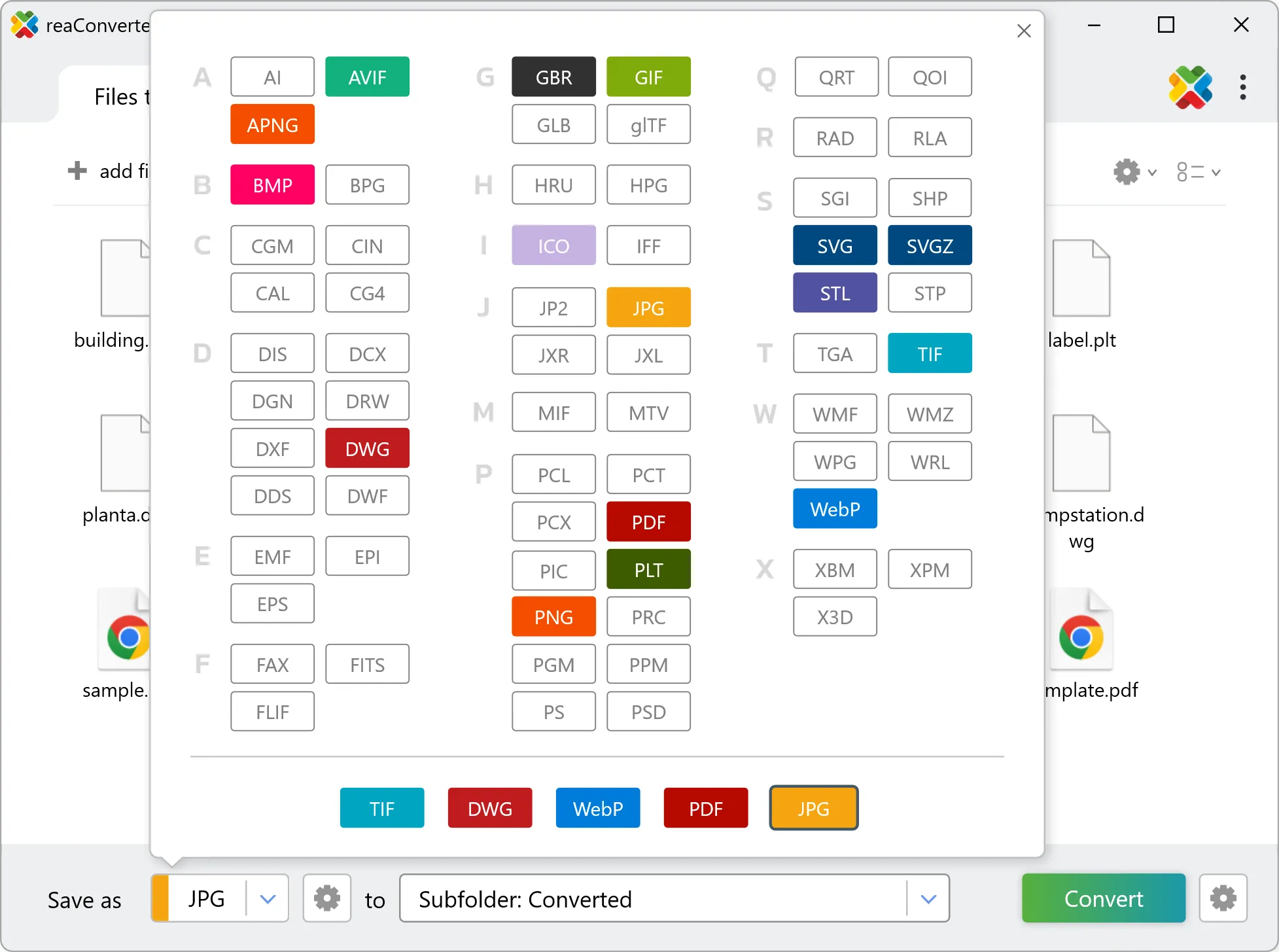
Yes! reaConverter instantly converts .gbo to .drw with perfect quality preservation. With its batch processing feature, you can convert multiple files at once in just a few clicks. You can even convert images directly from Windows Explorer using the right-click menu — fast and convenient.
Can I convert GBO to DRW online?
If you only need to convert a few GBO files to DRW format, feel free to try our free online free online GBO to DRW converter — perfect for small batches with no installation needed!
How can I turn GBO files into DRW on my computer?
The best way to change GBOs to DRWs on your PC is to install a quality piece of software, such as reaConverter. This software is extremely efficient in managing a wide range of batch files conversions, including conversion from GBO to DRW.
How can I automate GBO to DRW files conversion?
reaConverter supports all the most useful automation features such as right-click сonversion and Watch Folders for the most efficient automated files conversion in any software of this type.
Is there a way to convert GBO files to DRW using the command prompt?
reaConverter provides full access to all its features via Windows command line, including a high-performance command-line gbo to drw converter for batch processing.
What else can I do with reaConverter?
Change format settingsChange DPISet manual file dateConvert DICOM filesChange photo size