


How to Convert Multiple COB Files to JXR?
1. Download and Install reaConverter
Download reaConverter and install it in seconds. The setup is straightforward — no complex configuration, no extra software required.

2. Load your COB files
Open reaConverter and add your COB files. You can load individual files, entire folders, or even nested subfolders.
Drop your COB files into the window or use File menu to browse and select folders.

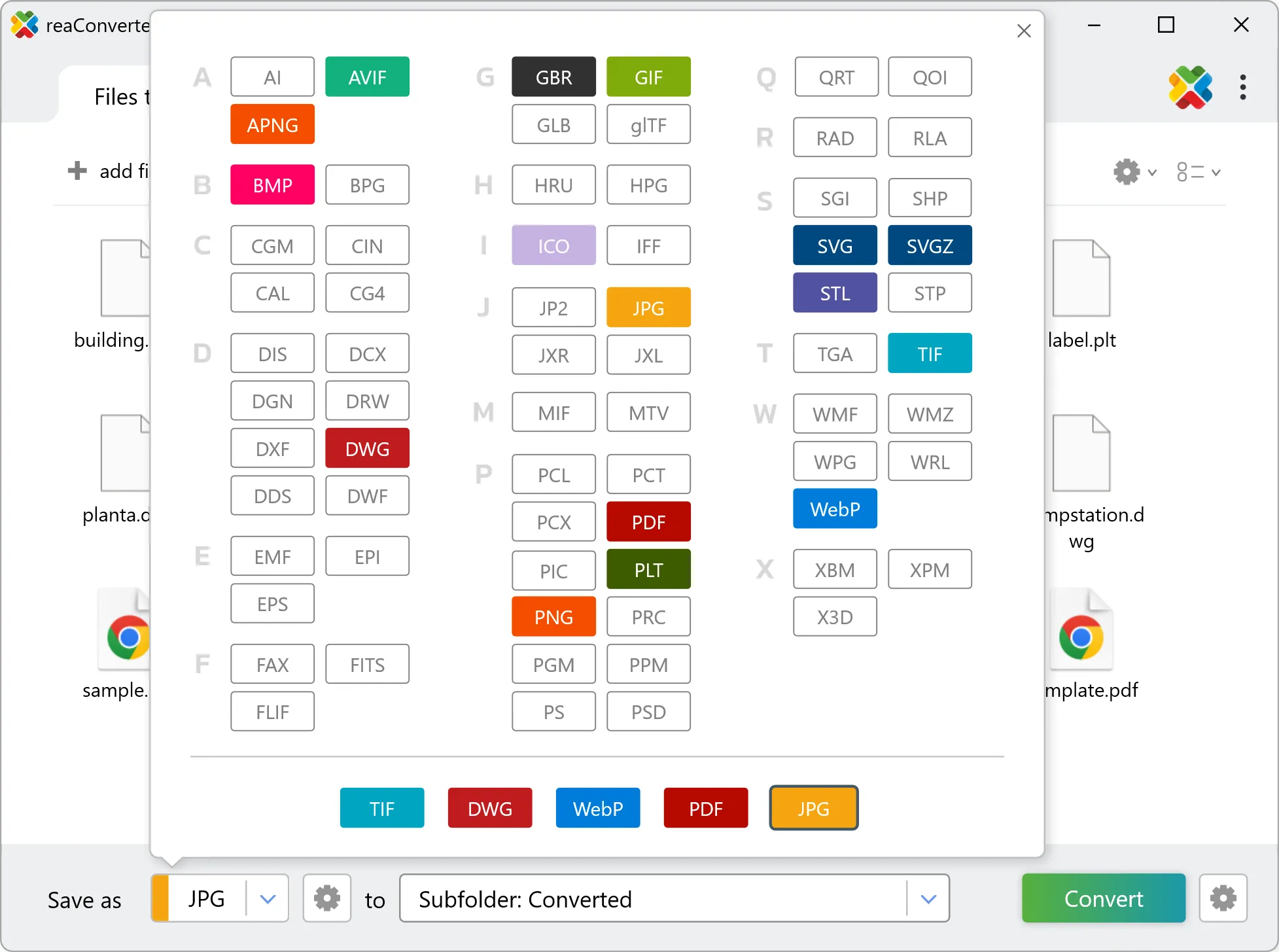
3. Select JXR as output format
Choose JXR as the target format. Pick a destination folder or let reaConverter save files alongside the originals.
4. Start COB to JXR conversion
Hit Convert and let reaConverter do the work. The progress window shows status for each file in real time.

After conversion, find your JXR files in the output folder. Click 'Show converted files' to open it directly.




