BVH to CG4 Conversion: FAQ
What are BVH files?
The BVH file format was created by Biovision, a currently defunct company that was specialized in providing motion capture services. BVH files contain animated characters and are compatible with several types of software specialized in delivering 3D rendering, modeling and animation, including Lightwave 3D, Autodesk's 3DS Max and Blender. The BVH format replaced BVA, an earlier extension providing skeleton hierarchy data in addition to motion images.
What are CG4 files?
CG4 is a raster format associated with CALS (Continuous Acquisition and Life-Cycle Support) — a program initiated by the US Department of Defense to capture and link military data. CG4 is compatible with a very limited number of digital graphics programs. Files with this extension contain a bitmap that often uses the CCITT4 compression, which is an old fax machine standard used for black-and-white images.
Can reaConverter convert BVH to CG4?
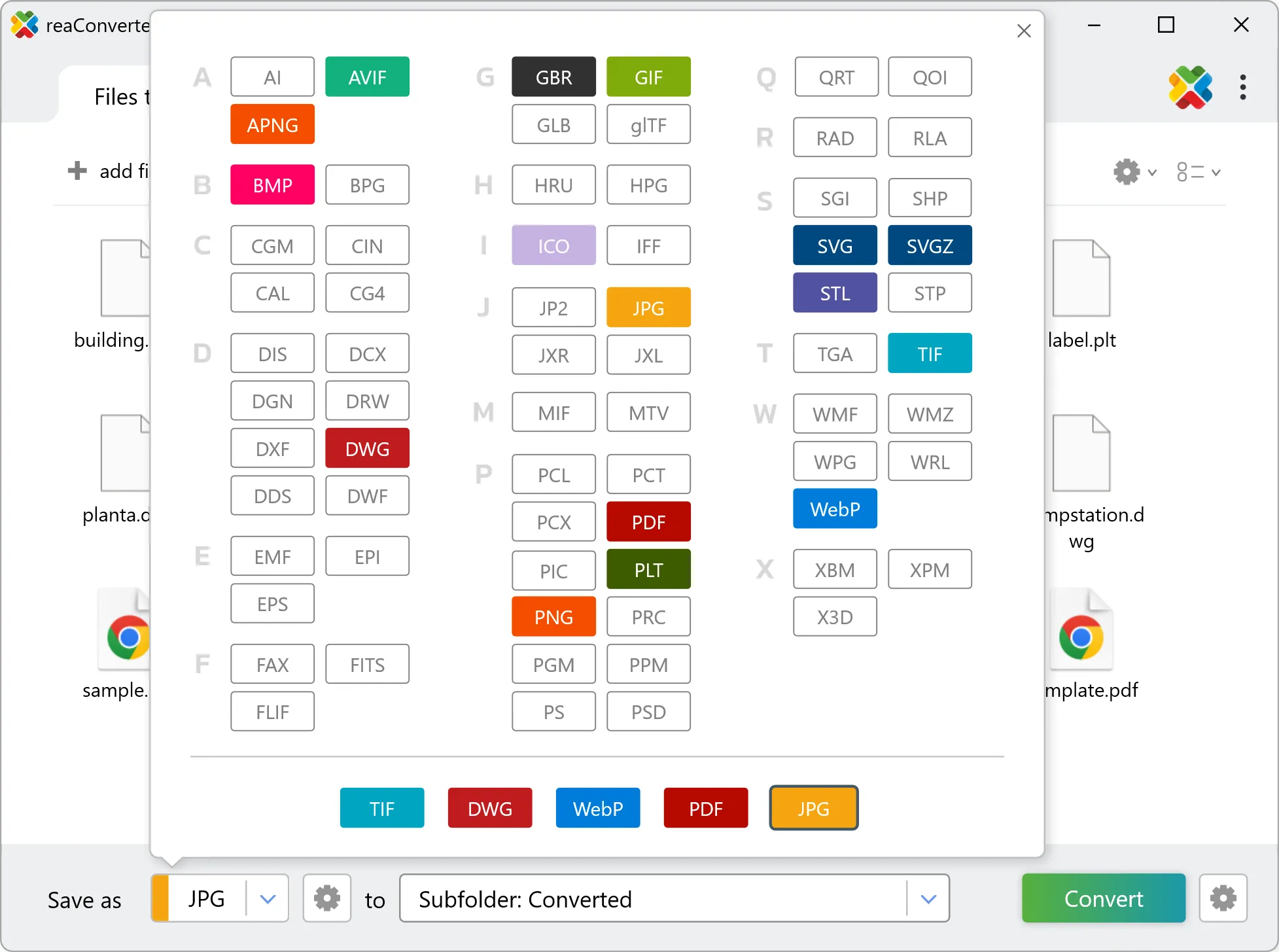
Yes! reaConverter instantly converts .bvh to .cg4 with perfect quality preservation. With its batch processing feature, you can convert multiple files at once in just a few clicks. You can even convert images directly from Windows Explorer using the right-click menu — fast and convenient.
Can I convert BVH to CG4 online?
If you only need to convert a few BVH files to CG4 format, feel free to try our free online free online BVH to CG4 converter — perfect for small batches with no installation needed!
How can I turn BVH files into CG4 on my computer?
The best way to change BVHs to CG4s on your PC is to install a quality piece of software, such as reaConverter. This software is extremely efficient in managing a wide range of batch files conversions, including conversion from BVH to CG4.
How can I automate BVH to CG4 files conversion?
reaConverter supports all the most useful automation features such as right-click сonversion and Watch Folders for the most efficient automated files conversion in any software of this type.
Is there a way to convert BVH files to CG4 using the command prompt?
reaConverter provides full access to all its features via Windows command line, including a high-performance command-line bvh to cg4 converter for batch processing.
What else can I do with reaConverter?
Change format settingsChange DPIConvert CAD formatsSet bit depthConvert DICOM files