
How to Convert Multiple BFL Files to DWG?
1. Download and Install reaConverter
reaConverter installs quickly on any Windows PC. No dependencies, no bloatware — just a clean setup that's ready to use immediately.

2. Load your BFL files
Launch reaConverter and drop in your BFL files. The software queues everything for batch processing with consistent settings.
Drop your BFL files into the window or use File menu to browse and select folders.

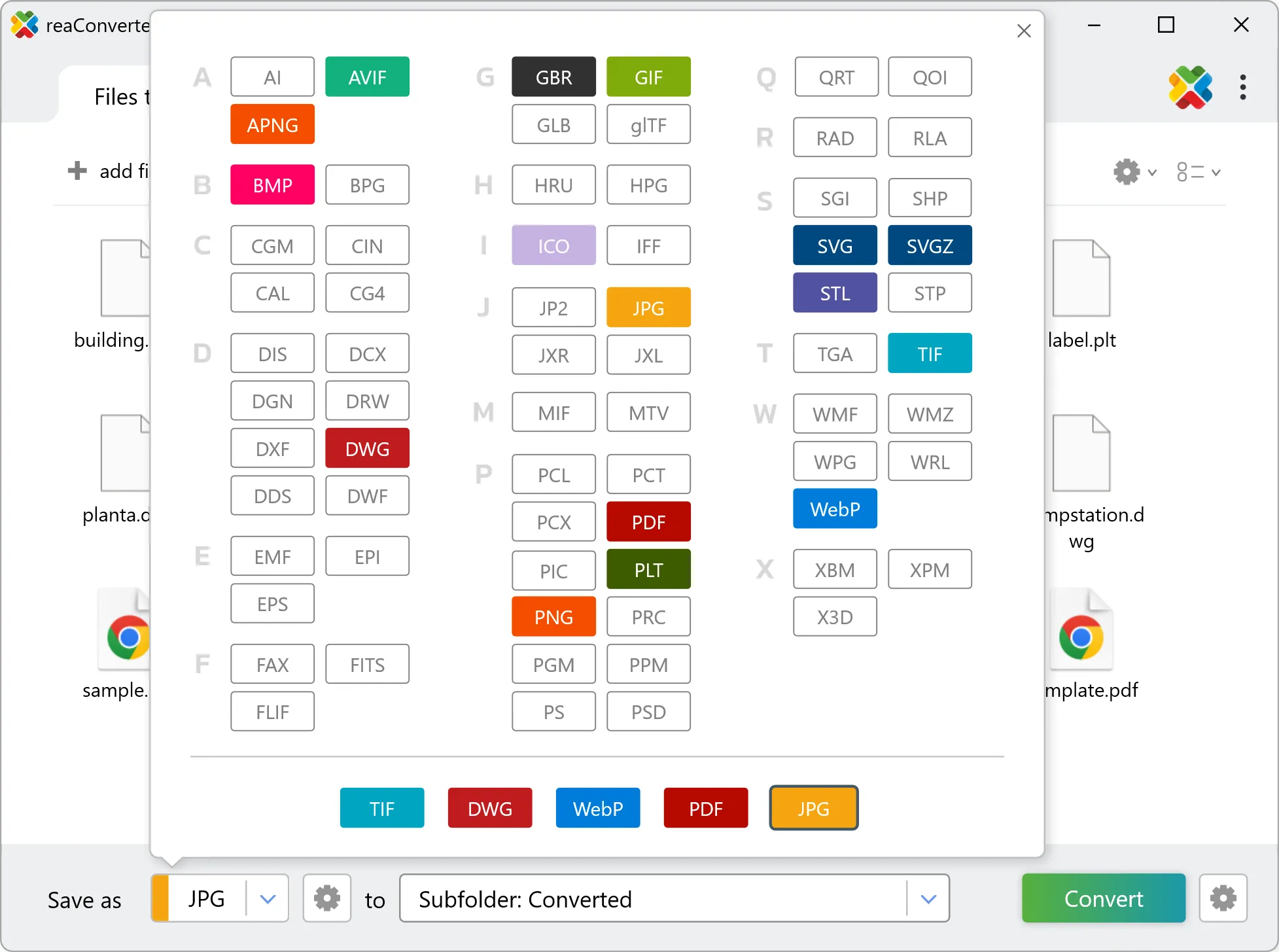
3. Select DWG as output format
Choose DWG for output and set your save location. reaConverter lets you customize quality and apply edits before conversion.
4. Start BFL to DWG conversion
Hit Convert and let reaConverter do the work. The progress window shows status for each file in real time.

After conversion, find your DWG files in the output folder. Click 'Show converted files' to open it directly.





