ARN to PRC Conversion: FAQ
What are ARN files?
ARN is a rare image file format associated with the Astronomical Research Network, an American association formed in 1989. ARN files contain astronomical information and images, and can be created using software programs developed by the Network for PCs and Macs. The format is, however, incompatible with most regular image viewers, so we recommend converting it to a more accessible format.
What are PRC files?
PRC is a raster image format from PictureGear Pocket, a picture album application from Sony. PRC is not very popular, so for easier transferring and accessibility, we recommend converting them to more widely used formats such as JPEG.
Can reaConverter convert ARN to PRC?
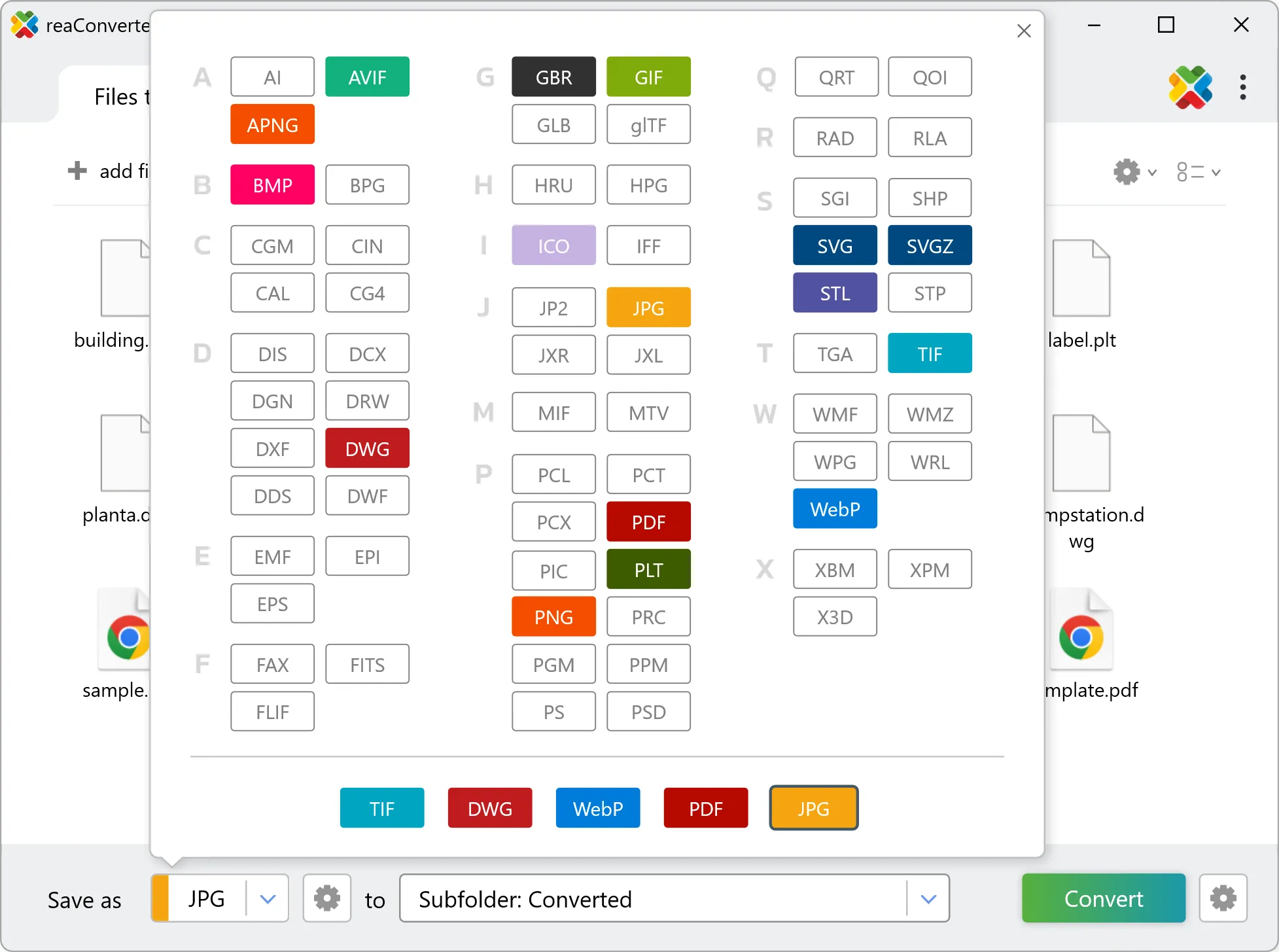
Yes! reaConverter instantly converts .arn to .prc with perfect quality preservation. With its batch processing feature, you can convert multiple files at once in just a few clicks. You can even convert images directly from Windows Explorer using the right-click menu — fast and convenient.
Can I convert ARN to PRC online?
If you only need to convert a few ARN files to PRC format, feel free to try our free online free online ARN to PRC converter — perfect for small batches with no installation needed!
How can I turn ARN files into PRC on my computer?
The best way to change ARNs to PRCs on your PC is to install a quality piece of software, such as reaConverter. This software is extremely efficient in managing a wide range of batch files conversions, including conversion from ARN to PRC.
How can I automate ARN to PRC files conversion?
reaConverter supports all the most useful automation features such as right-click сonversion and Watch Folders for the most efficient automated files conversion in any software of this type.
Is there a way to convert ARN files to PRC using the command prompt?
reaConverter provides full access to all its features via Windows command line, including a high-performance command-line arn to prc converter for batch processing.
What else can I do with reaConverter?
Convert Gerber filesCrop imagesConvert GIS filesChange format settingsChange picture DPI